
Last updated 12 Oct 2026
Module
Custom forms
Your own forms, built and approved
Custom forms in Autonomy Care let you build your own forms and checklists with a visual form builder: 22 kinds of field, conditions, calculations and signature blocks. Each version is reviewed and approved by someone other than its author before staff use it, on the web or in the mobile app.
What can a form include?
Text, numbers, money, percentages, dates and times, choices, yes or no, checklists, ratings, look-ups of participants or staff, files, tables, groups, information panels and signature blocks. Fields can show or hide depending on other answers, calculate from other fields, and fill in from the record.
How are new versions checked?
Each version goes from draft to review to approved to published. The person who approves it must be someone other than the person who wrote it. Older records keep the version they were filled in on.
Do we have to start from scratch?
No. The library has 71 templates that reference the NDIS Practice Standards. Adopt one as it is, or change it to fit. When the library template is updated, you can bring the change in.
Where are forms filled in?
On the web, or in the mobile app on shift. Finished records are kept with their signatures and can be exported as a PDF.
What it does and doesn't do
It does
- Builds forms with 22 kinds of field
- Shows fields depending on answers, and calculates
- Needs a second person to approve each version
- Works on the web and in the app
It doesn't
- Doesn't publish a form version without approval
- Doesn't replace your own policy review
Frequently asked questions
Who approves a new form version?
Someone other than the person who wrote it. Each version goes from draft to review to approved to published, and staff can't use it until it is published.
Do we have to build every form from scratch?
No. The library has templates that reference the NDIS Practice Standards. Adopt one as it is or change it to fit, and bring in later updates to the library template when you want them.
What happens to filled-in records when a form changes?
Older records keep the version they were filled in on, so you can always see the form as the person saw it.
Can workers fill in forms on shift?
Yes. Forms can be filled in on the web or in the mobile app. Finished records are kept with their signatures and can be exported as a PDF.
How it works
Start
Build a form from scratch, or adopt a library template and change it.
Build
Add fields, sections, conditions, calculations and signature blocks.
Review
Send the version for review. Someone other than the author approves it.
Publish
Staff fill it in on the web or in the app, and records are kept with signatures.
Who uses it
Quality managers
Coordinators
Practice leads
Related modules
Document Centre
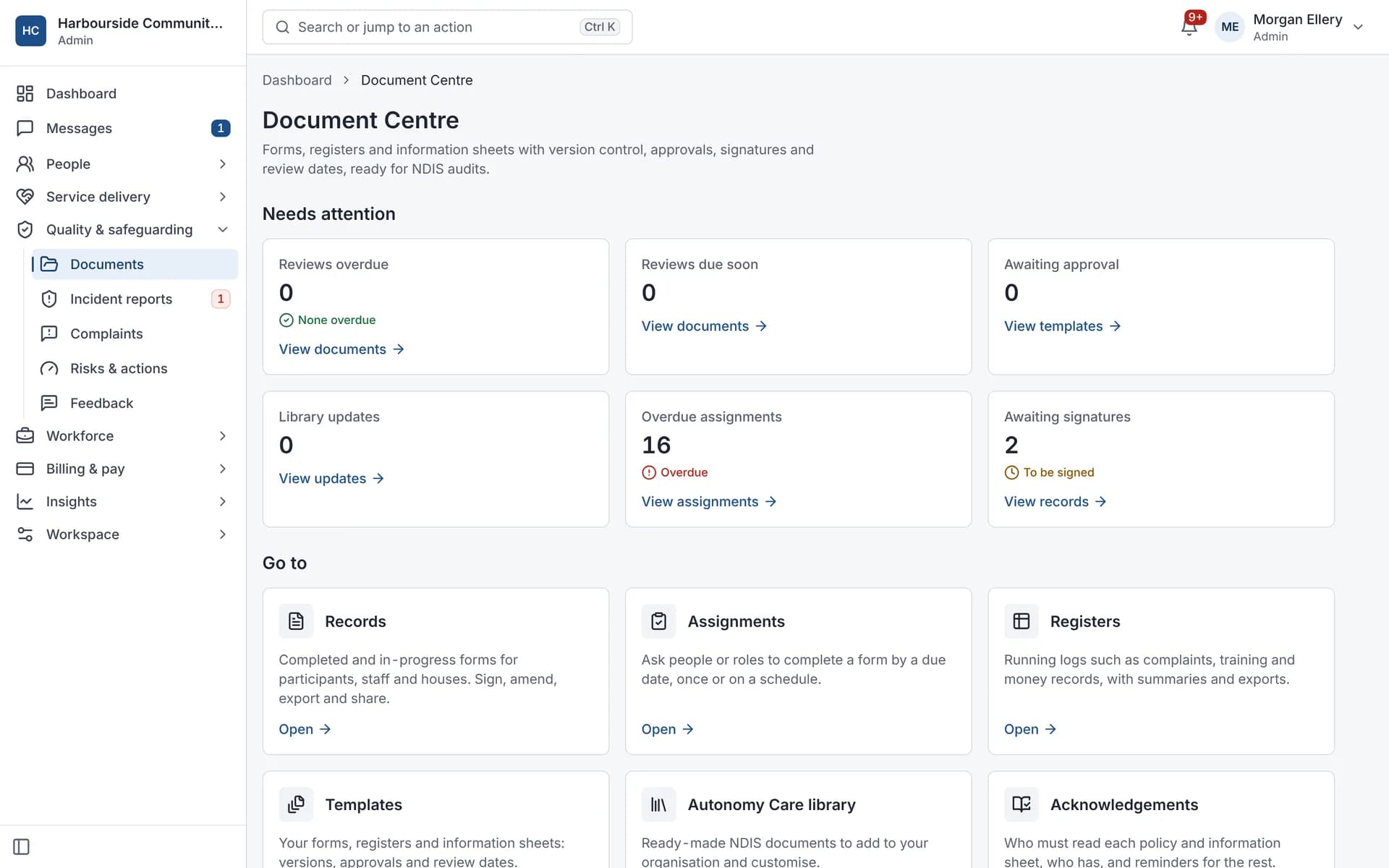
The Document Centre holds your forms, registers and policies. Autonomy Care includes a library of 71 ready-made forms you can adopt and change, template versions with approval and review dates, form records with signatures and PDF export, registers, policy acknowledgements with reminders, and a document control register that shows what needs attention.
E-signatures
E-signatures let participants, families and staff sign Document Centre forms, such as service agreements, without printing. Autonomy Care sends a single-use link, checks a one-time code, follows the signing order you set, sends reminders, and adds a signing certificate to the record's PDF. People with Family portal access can sign there instead.
Incidents and complaints
Registered providers must manage all incidents and notify the NDIS Commission of reportable incidents within set timeframes. Autonomy Care walks workers through a report that starts with safety, tells the on-call coordinator about 24-hour categories, tracks Commission deadlines with alerts, and won't close an incident until the required steps are recorded.